
Download the ZIP.
Save Apeari PRO to your computer. No account or payment is needed to download the plugin.
Your content. Your theme.
One conversation with Apeari.
Download the free Apeari PRO WordPress plugin to edit Gutenberg content and theme templates with AI. Review a private preview before publishing.
Download Apeari PROThe plugin is free. AI usage is billed separately by Apeari or your configured AI provider.
 PRO
PRO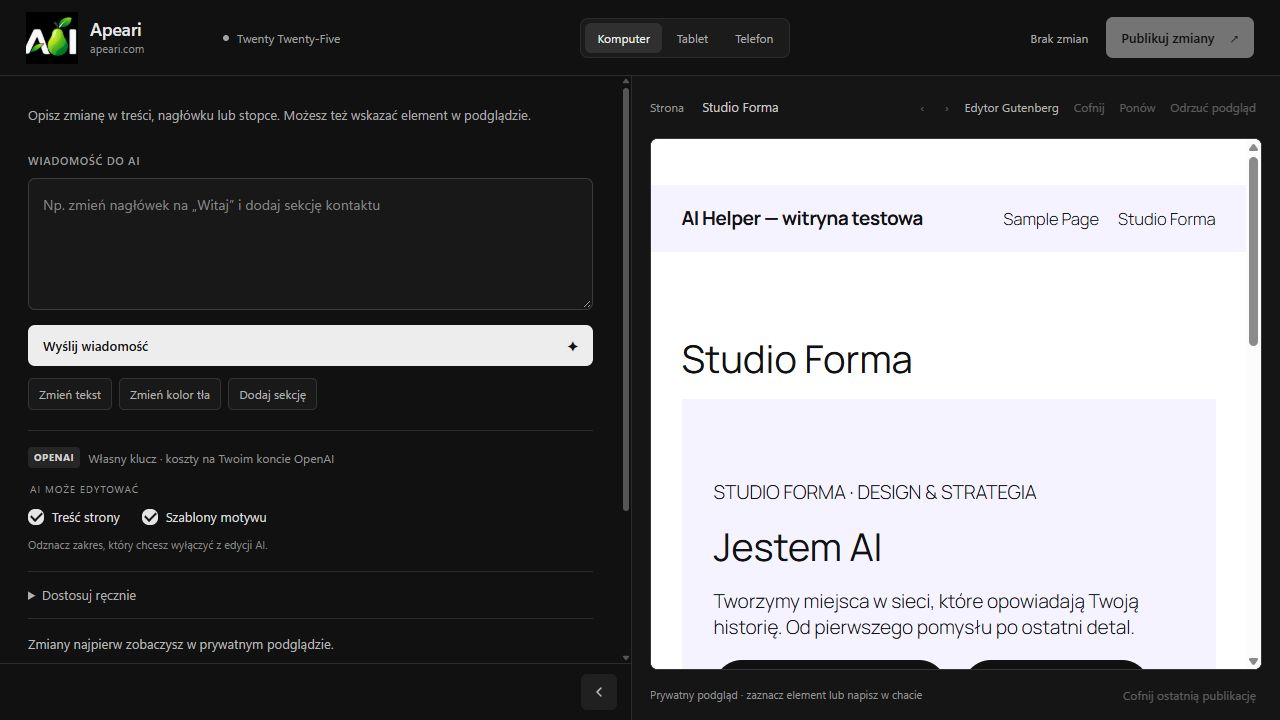
READY WHEN YOU ARE
Install PRO through the familiar WordPress plugin installer.
Save Apeari PRO to your computer. No account or payment is needed to download the plugin.
If you use the Gutenberg edition, deactivate it in WordPress → Plugins. Keep your pages and media — there is no need to delete them.
Go to Plugins → Add New → Upload Plugin. Choose the ZIP, install it and activate Apeari PRO. Then open Appearance → Apeari PRO Edytor AI.
Already using PRO? Upload this ZIP to update the existing installation. Apeari and Apeari PRO run one at a time.
Yes. Downloading and installing the plugin is free. AI requests have separate usage costs. Configure your AI connection in the plugin settings before sending a request.
Installing PRO does not overwrite your pages or posts. PRO prepares edits in a private preview and saves them when you approve publication. The two editions keep separate settings and editing sessions.
No. The ZIP is available directly. An Apeari account is used for Apeari's AI service, domains and credit balances; it is not required to download the plugin.